
Practical AI Support Sessions

Before you start

This page helps you get started with a personalised BlueCap AI assistant.It will only be the tricycle version until your session, but can still be useful practice and a good chance to think about what job your assistant should have first.
If you want more information before jumping in, check out our free video library.

Always check important details
AI can help you prepare, organise your thoughts and practise what you want to say, but it should not make important decisions for you.For medical, legal, benefits, immigration, housing, safeguarding, policing or crisis issues, speak to a trusted professional, adviser, support worker or emergency service where appropriate.
Set up ChatGPT for practical support
Before the workshop, you have the option to start a simple ChatGPT chat that will help you think through what support you are looking for and prepare for the session at your own pace.This is a chance for you to take some time to reflect and come to the session with a safe summary of what help you would find the most useful.
Step 1: Open the official ChatGPT app
Go to your phone, tablet or laptop’s app store.Search for: OpenAI ChatGPT.Check that the app is the official ChatGPT app from OpenAI before you download it.If you cannot find the app, open your web browser and search for ChatGPT.com
Step 2: Create & sign in to a free account
Open ChatGPT and follow the steps on screen to start a free account.Do not share your password or sign-in code with anyone.If you get stuck on this step, it is ok to ask for help. Just book a call using the link at the bottom of the page or wait for your session.
Step 3: Start a new chat
Once ChatGPT is open, start a new chat by pasting one of the starter prompts below into the chat bar and selecting Send.The starter chat prompts are specifically for preparing for a BlueCap AI workshop or session and creating a safe summary of what help you are looking for.
Starter Prompt Bank
Starter Prompts help you think through what support you need before your session. They will create a safe summary that you can bring with you and use to help us customise an assistant for you.

General AI Starter Prompt
Preparing for your session? Use this simple Starter Prompt to help you think about what support would be useful. It will make a safe summary for you to build on at your session.
DO NOT share personal details. Keep your conversation general.

CV & Interviews Preparation Starter Prompt
This is a simple Starter Prompt to help you think about your skills and what kind of work you would enjoy.It will make a useful summary you can use at your session.DO NOT share personal details. Keep your conversation general.

Caregiver Starter Prompt
This is a simple Starter Prompt that asks a few safe questions about your caring role, what feels difficult, and the support you need.It will make a useful summary you can use at your session.DO NOT share personal details. Keep your conversation general.
BlueCap AI Prompt Bank
If you decide to practise before your session, always remember it is not finished yet, and you should not rely on it.In our session, we will help you turn it into a safer, clearer assistant.We are looking forward to seeing you!
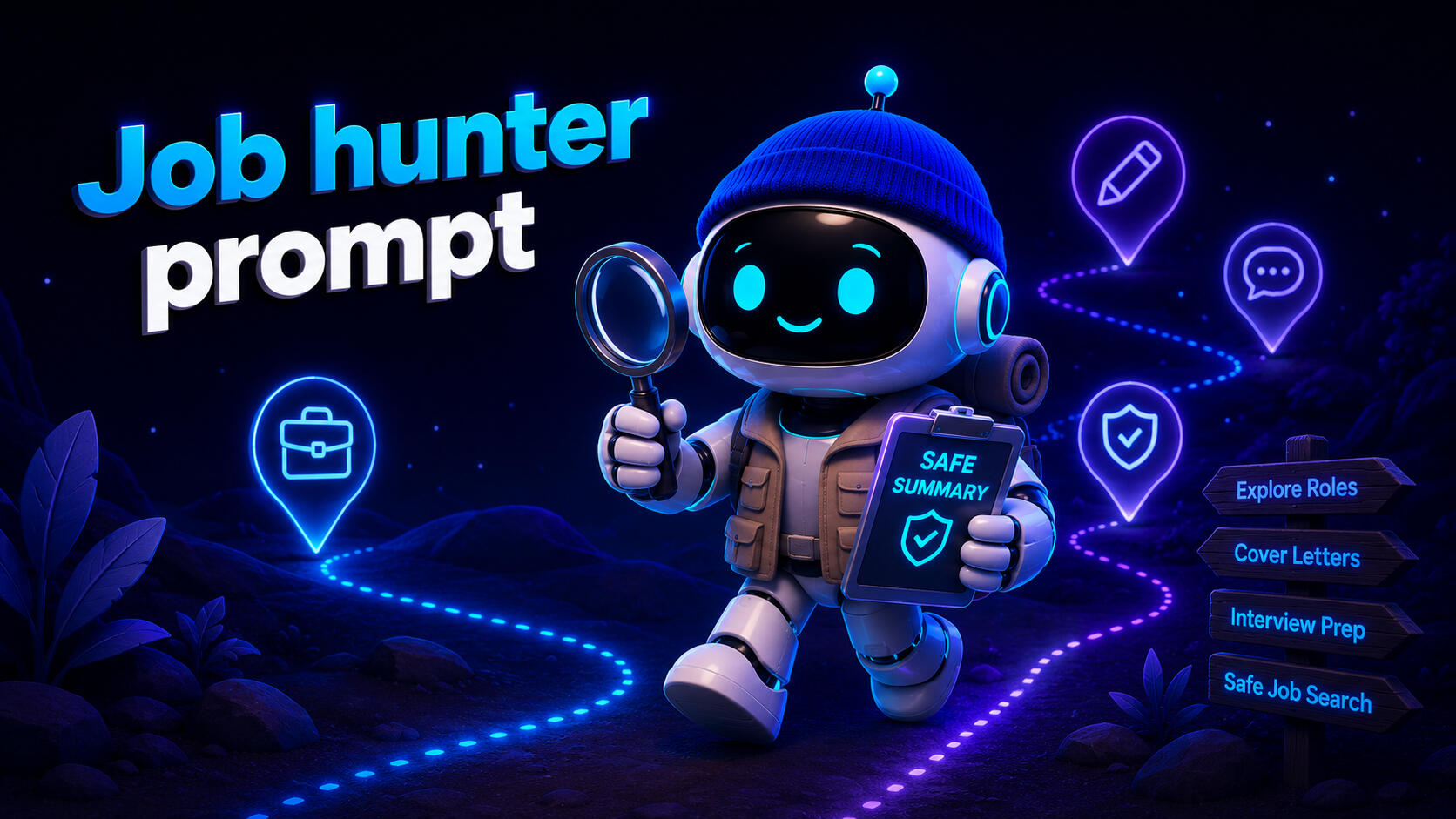
Job hunter prompt
This prompt helps you find work based on the safe summary you will have made at your BlueCap AI session.Do not share your full CV.Your work history and experience is all that is needed in addition to the type of work you are seeking.

Cooking & Meal Planning
This prompt helps you prepare a Meal plan, Shopping lists, and Recipes.

NHS App Navigator
This prompt helps you find features in the Official NHS App by referencing the Official NHS Guidance.

Indoor & Outdoor Gardening Buddy
This prompt helps you plan for and maintain Houseplants and Gardens.
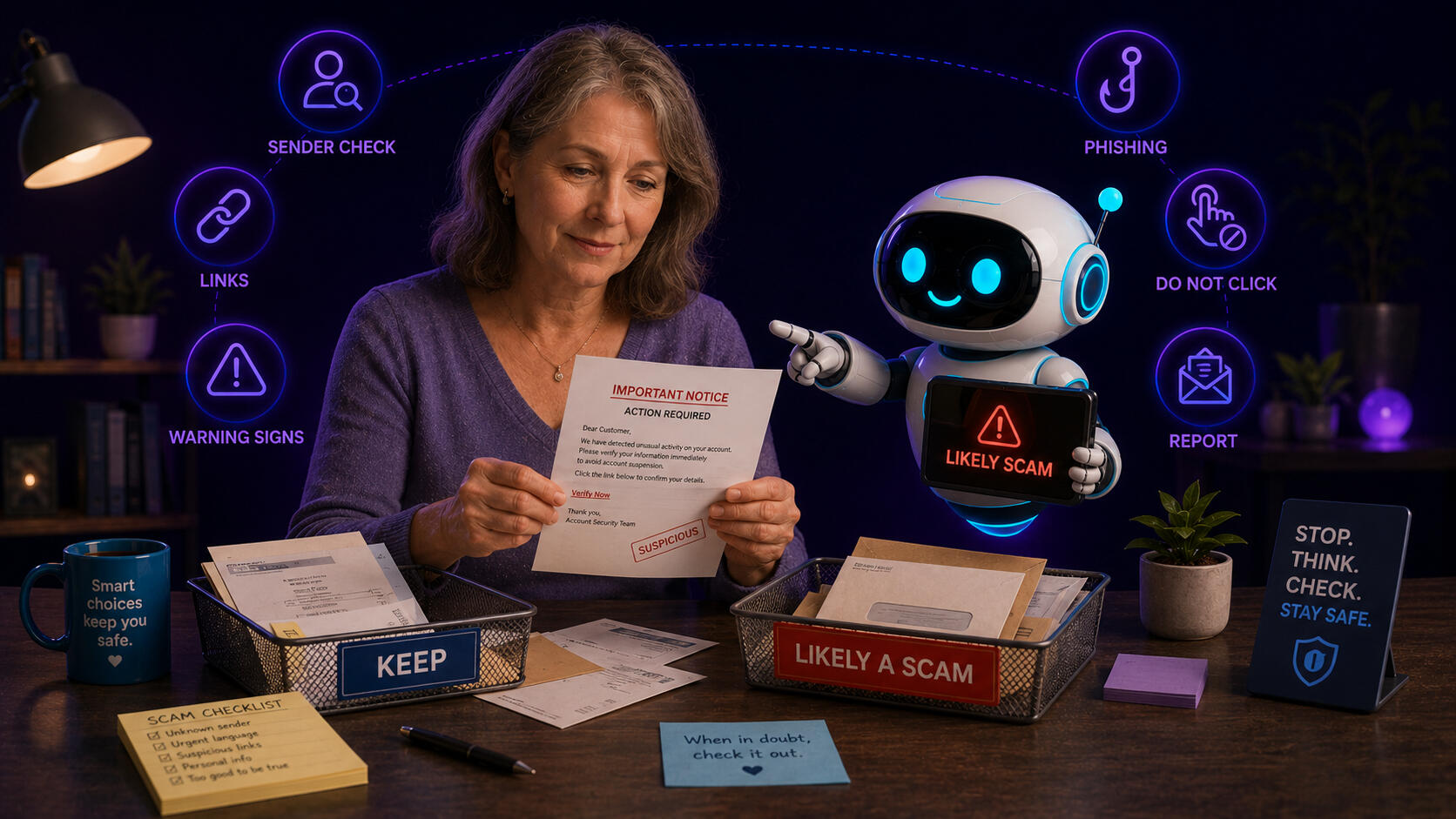
Suspicious Message Checker
This prompt helps you check if a message is legitimate or suspicious.

Technology Helper
This prompt helps you set up or troubleshoot electronic devices such as printers, televisions, tablets, laptops and phones, along with the apps and software you use on them.

Translation Support
This prompt helps you translate messages and communicate more clearly.
Book a BlueCap AI 1-to-1 session
If you are attending one of our workshops, want a follow-up after, or if you have found our page any other way and would like to discuss how we can help you too, please use this link.

© 2026 BlueCap AI. All rights reserved.BlueCap AI is a not-for-profit initiative preparing for CIC formation. AI support is practical and educational, and does not replace professional advice, safeguarding processes or human judgement.